
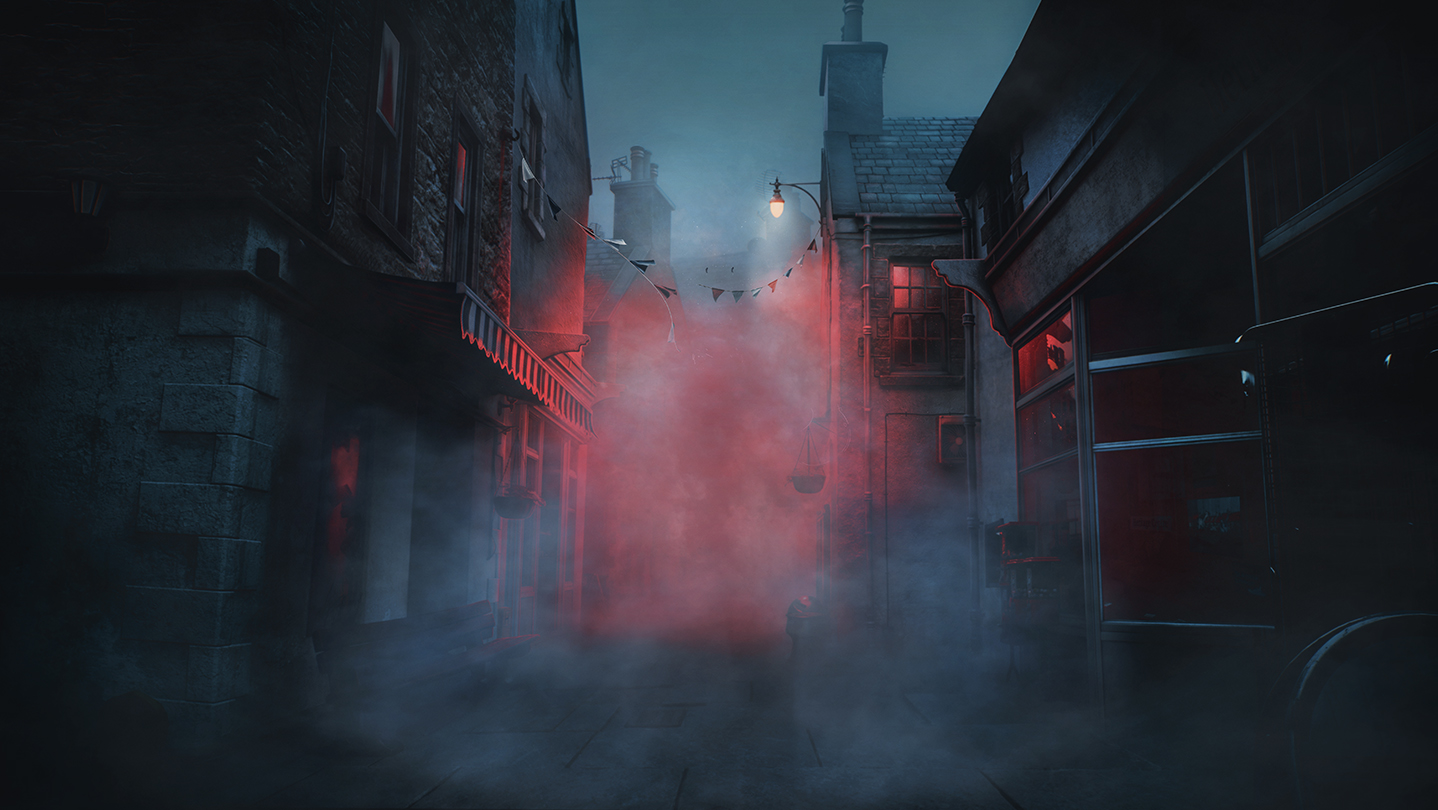
The fog-drenched streets of the iconic horror franchise have returned, but for many players, the true terror isn't the monsters—it's the technical performance. Understanding how to optimize the silent hill: townfall framerate is essential for maintaining the immersion required for a psychological horror experience. Developed by Screen Burn, this Unreal Engine 5 (UE5) title pushes modern hardware to its limits, often resulting in inconsistent performance even on high-end systems. Community reports indicate that the silent hill: townfall framerate can fluctuate wildly, leading to frustrating stutters during critical gameplay moments. Whether you are playing on a high-end PC or a console, achieving a stable experience requires a deep dive into the game's settings and underlying engine behavior.
Table of Contents
The Technical Reality of Silent Hill: Townfall
Silent Hill: Townfall is built on Unreal Engine 5, an engine known for its stunning visual capabilities like Lumen and Nanite, but also infamous for "traversal stutters" and shader compilation issues. According to player experience, even if your hardware exceeds the recommended specifications, you are likely to encounter micro-stutters when moving between different zones of the town. These aren't always related to your GPU power; often, they are caused by the game engine loading assets in the background or high CPU thread utilization.
A common observation among technical reviewers is that the game is unexpectedly CPU-intensive. Despite the town appearing empty and shrouded in fog, the game can utilize up to 80-90% of a modern multi-threaded CPU, such as the i5-12600KF. This high demand can lead to 1% low frame rates that make the game feel "choppy" even when the average FPS seems high.
Quick Answer To stabilize your silent hill: townfall framerate, prioritize lowering Fog Quality and Global Illumination. If you are on PC, disabling NVIDIA Reflex has been shown to improve frame time stability, while using DLSS on "Quality" or "Balanced" mode is almost mandatory for resolutions above 1080p.
Official PC Requirements vs. Real-World Performance
Before tweaking settings, it is vital to see where your hardware stands. The official requirements provided by Screen Burn offer a baseline, but community testing suggests these targets are for 1080p at 30 FPS on Low settings, which may not be ideal for most players.
PC System Requirements Comparison
| Component | Minimum (1080p/30fps Low) | Recommended (1080p/60fps High) | Community Observation |
|---|---|---|---|
| CPU | Ryzen 5 3600 / i7-8700K | Ryzen 7 5700X / i7-9700K | Extremely CPU-heavy; 8+ cores recommended. |
| GPU | RTX 2060 Super (8GB) | RTX 3080 / RX 7800 XT | VRAM usage is well-managed, but raw power is needed. |
| RAM | 16 GB | 32 GB | 32 GB is highly recommended to avoid traversal lag. |
| Storage | SSD Required | SSD Required | Mandatory to reduce asset streaming hitches. |
As shown in the table, the jump from minimum to recommended is significant. A mid-range card like the RTX 4060 can handle the game at 1080p High settings, but it will struggle to maintain a locked 60 FPS without the help of DLSS. Interestingly, while the game asks for 32GB of RAM in its recommended specs, 16GB users can still play, though they may experience more frequent "hiccups" when entering new areas like East Shore Road.
Optimized Graphics Settings for Maximum FPS
To get the best silent hill: townfall framerate, you need to balance visual fidelity with performance. Not every setting contributes equally to the load. For instance, textures in this game are exceptionally well-optimized; high-quality textures don't consume excessive VRAM but significantly improve the look of the environment.
Recommended Settings for Mid-Range PCs (RTX 3060/4060, RX 6700)
| Setting | Recommended Value | Impact on Performance |
|---|---|---|
| Upscaler | DLSS / FSR (Quality) | High - Essential for stability. |
| Fog Quality | Low or Medium | High - Fog is very taxing in this title. |
| Shadow Quality | Medium | Medium - High shadows cause significant drops. |
| Raytracing | Software (Off) | High - Hardware RT adds minimal visual gain for high cost. |
| Global Illumination | Low | High - Impactful on both CPU and GPU. |
| Reflections | Low / Medium | Medium - Screen Space Reflections are usually enough. |
| NVIDIA Reflex | Off | Low - Surprisingly, "Off" can lead to smoother frame times. |
Why These Settings?
- Fog Quality: In a Silent Hill game, fog is everywhere. Setting this to "Low" doesn't remove the fog but reduces the complexity of the volumetric calculations, providing a massive boost to your silent hill: townfall framerate.
- Raytracing (Lumen): The game uses UE5's Lumen system. Toggling "Hardware Raytracing" on results in a negligible visual difference for most players but can introduce additional stuttering. Keeping it on "Software" mode (by turning the RT toggle off) is the sweet spot.
- Vegetation Impact: A peculiar issue noted by the community (often jokingly called the "Bob the Bush" effect) is that standing near dense vegetation or bushes can cause the FPS to tank by 10-15 frames. If you are in a wooded area, expect a performance dip regardless of your settings.
Console Performance: PS5 vs. PS5 Pro
Console players aren't exempt from performance hurdles. Even on the powerful PS5 Pro, the game struggles to maintain a consistent 60 FPS in demanding scenes. Reports indicate that in heavy areas, the PS5 Pro can drop to approximately 42 FPS, which is disappointing for a mid-generation refresh.
Console Mode Comparison
| Platform | Mode | Target Resolution | Actual Performance |
|---|---|---|---|
| PS5 | Quality | 1440p (Upscaled to 4K) | Stable 30 FPS |
| PS5 | Performance | 1080p (Upscaled) | Unstable 45-60 FPS |
| PS5 Pro | PSSR Mode | Enhanced 4K | 42-60 FPS (Variable) |
The PS5 Pro utilizes PSSR (PlayStation Spectral Super Resolution), which generally looks cleaner than the base PS5's TSR (Temporal Super Resolution). However, the underlying optimization issues remain. In "Performance Mode," the game often cuts back on post-processing effects and the characteristic fog density to try and hit that 60 FPS target. For the most stable experience on console, the 30 FPS "Quality" mode is currently recommended until post-launch patches arrive.
Troubleshooting Stutters and Lag
If you have optimized your settings but the silent hill: townfall framerate still feels jittery, consider these advanced troubleshooting steps based on community feedback.
The Reflex Paradox
In many modern games, NVIDIA Reflex is a must-have to reduce latency. However, in Silent Hill: Townfall, players have reported that enabling Reflex causes the GPU utilization to fluctuate wildly, dropping from 99% to 80% and causing visible hitches. Disabling Reflex in the options menu often results in a much flatter, more stable frame time graph.
Shader Compilation
When you first launch the game, it will compile shaders in the main menu. Do not skip this process. If you jump straight into the game, you will experience a "stutter-fest" for the first 10-20 minutes of gameplay. Even after the initial compilation, moving into a brand-new area like the town center for the first time will trigger brief CPU spikes as new assets are processed.
Resolution Scaling
If you are aiming for 4K on a mid-range card, native resolution is not feasible. Using DLSS "Performance" mode at 4K actually renders the game at 1080p internally and upscales it. Testing shows that this looks remarkably close to native 4K and can keep the game in the 50-60 FPS range on an RTX 4060.
VRAM Management If you have an 8GB VRAM card, avoid using "Ultra" textures at 4K. While the game manages VRAM well, hitting the limit will cause the game to swap data to your system RAM, leading to massive lag spikes. Stick to "High" textures for the best balance.
For more official updates and technical support, visit the Silent Hill: Townfall Steam Page.
Step-by-Step Optimization Guide
- Update Drivers: Ensure you are using the latest NVIDIA or AMD drivers. These often contain specific optimizations for UE5 titles.
- Clear Shader Cache: If you experience persistent crashes, clearing your DirectX shader cache via Windows Disk Cleanup can sometimes force the game to re-compile and fix corrupted files.
- Monitor CPU Usage: Use an overlay like MSI Afterburner. If you see your CPU hitting 100% while your GPU sits at 70%, you are CPU-bottlenecked. In this case, lowering "Global Illumination" and "Fog" is your only recourse.
- Set a Frame Limit: If your framerate is jumping between 45 and 70 FPS, the inconsistency can feel worse than a lower, stable rate. Use the in-game limiter to lock the game to 60 FPS (or 30 FPS if on a lower-end rig) to smooth out the experience.
Conclusion
Achieving a stable silent hill: townfall framerate is a challenge due to the game's heavy reliance on CPU threads and the inherent quirks of Unreal Engine 5. By focusing on the most demanding settings—Fog, Global Illumination, and Raytracing—and making smart use of upscaling technologies like DLSS or PSSR, you can significantly improve your experience. While Screen Burn continues to work on early access patches, these community-driven optimizations are your best bet for surviving the horrors of Silent Hill without the distraction of technical lag.
FAQ: Silent Hill: Townfall Performance
Why is my Silent Hill: Townfall framerate so low even with a good GPU?
The game is heavily limited by CPU performance and Unreal Engine 5's asset streaming. High CPU usage (often reaching 100%) can bottleneck even powerful GPUs like the RTX 4080, especially in areas with dense fog or vegetation.
Does turning off Raytracing help the framerate?
Yes, turning off "Hardware Raytracing" can improve stability. The game will still use Software Raytracing (Lumen), which looks excellent but is much less demanding on your hardware.
Is the game playable on Steam Deck or low-end PCs?
Currently, the game is very demanding. While it can run at lower resolutions (down to 480p), the high CPU requirements make it difficult to achieve a stable 30 FPS on handhelds like the Steam Deck without significant compromises in visual quality.
How do I fix the micro-stuttering when walking through town?
This is often related to "traversal stutter." Ensure the game is installed on a high-speed NVMe SSD, disable NVIDIA Reflex, and make sure you have allowed the game to finish shader compilation in the main menu before playing.
Sources and known gaps
- Silent Hill: Townfall Experiences Performance Issues Even ... Source accessed:
- Best Silent Hill: Townfall graphics settings for no lag and ... Source accessed:
- RTX 4060 - SILENT HILL: Townfall - More UE5 Stuttering! Yay! Source accessed:
- RTX 2060 | SILENT HILL: Townfall - 4K, 1440p, 1080p, DLSS 4 - RT, Ultra, High, Medium, Low Source accessed: