
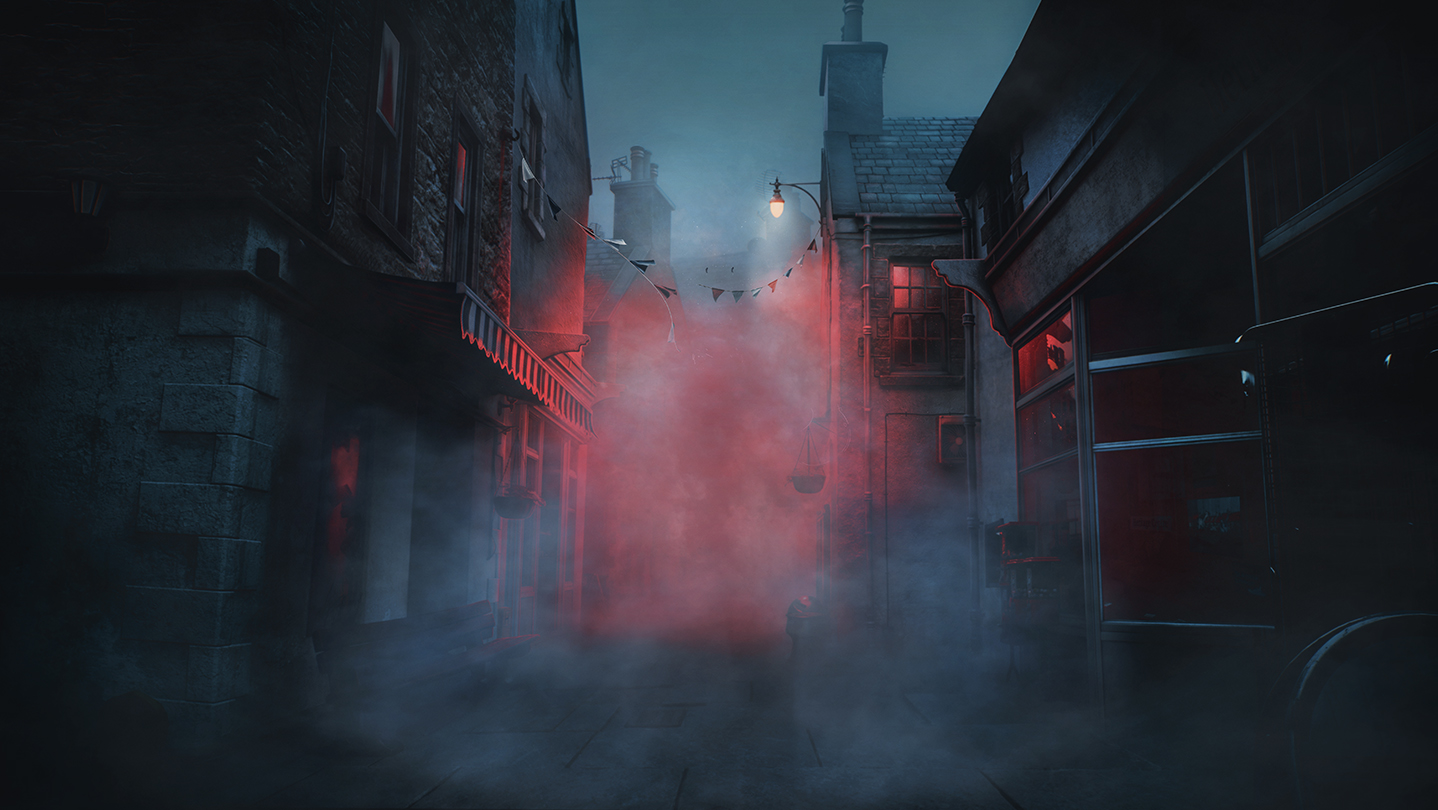
The fog is rolling into St. Amelia, and for fans of psychological horror, the wait for the latest installment is nearly over. As you prepare to dive into the eerie landscapes of Scotland in Screen Burn’s upcoming title, understanding the Silent Hill: Townfall recommended storage and system requirements is the first step toward a smooth experience. Getting your hardware ready now ensures you won’t face any stuttering or technical hurdles when the game officially launches.
Understanding Your PC Hardware Needs
While many players focus solely on graphics cards, the total system health is what defines your experience in modern Unreal Engine 5 titles. The Silent Hill: Townfall recommended storage requirements provide a clear baseline, but your CPU and RAM choices are equally critical for maintaining stability. Because this game emphasizes complex, atmospheric textures and deep, layered shadows, it places a significant load on your memory architecture.
If you are currently running an older system, it is vital to assess whether your hardware meets the developer's standards. Below is a comprehensive comparison of the baseline versus the optimal setup required to experience the game as intended.
| Component | Minimum Requirements | Recommended Requirements |
|---|---|---|
| OS | Windows 11 x64 | Windows 11 x64 |
| Processor | AMD Ryzen 5 3600 / Intel i7-8700K | AMD Ryzen 7 5700X / Intel i7-9700K |
| Memory | 16 GB RAM | 32 GB RAM |
| Graphics | NVIDIA RTX 2060 Super / RX 6600 | NVIDIA RTX 3080 / RX 7800 XT |
| Storage | 75 GB available space | 75 GB available space |
| DirectX | Version 12 | Version 12 |
Why 32GB RAM Is the New Standard
You might notice that the recommended RAM for this title is set at 32 GB, which is higher than many other recent horror games. This isn’t just a recommendation; it’s a necessity for asset management in high-fidelity environments. Because the game utilizes massive, detailed textures, the system needs to preload these assets into your RAM to prevent the GPU from "starving" for data.
If you have a powerful graphics card but only 16 GB of RAM, you may experience intermittent stuttering during exploration. The game must constantly stream new data from your drive; having more RAM allows for a larger cache, which keeps the framerate consistent during intense, fog-heavy sequences.
Optimizing Your Storage for Silent Hill: Townfall
When we talk about the Silent Hill: Townfall recommended storage of 75 GB, we are referring to the raw capacity required for the game files. However, not all storage is created equal. To get the best performance, you should consider the type of drive you are using:
- NVMe SSD: Highly recommended. These drives allow for near-instant asset streaming, which is critical for an immersive, first-person horror game.
- SATA SSD: A solid alternative that will still offer good loading times.
- HDD (Mechanical): Not recommended. The high-density textures and complex map streaming in this game will likely cause significant pop-in and long loading screens on older hard drives.
Drive Maintenance Ensure you have at least 10-15% free space on your SSD drive. Filling a drive to capacity can slow down write/read speeds, potentially leading to performance drops during gameplay.
Graphics Settings and Performance Targets
The developers have specifically tuned the recommended hardware (RTX 3080 or RX 7800 XT) to target 4K resolution at 30 FPS. While this might sound low to competitive gamers, for a slow-paced, atmospheric psychological horror game, this target is designed to prioritize visual fidelity and high-quality post-processing effects.
If your current hardware is below the recommended threshold, don't panic. The game is designed to leverage modern upscaling technologies like DLSS, FSR, or TSR. By utilizing the "Balanced" mode in these upscalers, you can achieve a stable experience even on mid-range hardware.
| Upscaling Method | Recommended Target | Performance Benefit |
|---|---|---|
| DLSS (NVIDIA) | Balanced Mode | Sharp image, high frame stability |
| FSR (AMD) | Balanced Mode | Great for wider hardware compatibility |
| TSR (Unreal) | Balanced Mode | Native-like temporal stability |
Preparing Your Rig for Launch
For those looking to upgrade their machines before the release on Steam, focus on these three priorities in order:
- RAM: Moving to 32 GB will solve the most common "stuttering" complaints noted in early technical discussions.
- GPU: If you are currently using an entry-level card, upgrading to the RTX 3080 range or equivalent will unlock the intended 4K visual quality.
- Storage: Verify your 75 GB of space is on an SSD to ensure the atmosphere of St. Amelia isn't ruined by long loading screens.
Community Insights and Common Mistakes
According to community reports, a frequent mistake players make is neglecting their background processes while playing. Even if you have the recommended 32 GB of RAM, having browser tabs or heavy background applications open can consume precious resources.
Resource Management Before starting your journey into the fog, ensure that resource-heavy apps like web browsers, video editing software, or game recording tools are closed to reserve as much memory as possible for the game engine.
FAQ: Common Questions About Requirements
Q: Is the Silent Hill: Townfall recommended storage space enough for future DLCs? A: The 75 GB requirement covers the base game as of launch. It is always wise to keep an additional 15-20 GB of buffer space on your drive for future updates or patches.
Q: Can I run the game on an older Intel i7 processor? A: You can try, but the game is optimized for modern architectures. The recommended i7-9700K is a firm baseline; anything significantly older may struggle with the physics and AI processing required by the Unreal Engine 5 environment.
Q: Does the 32 GB RAM recommendation apply to 1080p gaming? A: While 32 GB is recommended for 4K settings to handle high-resolution texture streaming, 16 GB may be sufficient for 1080p, though 32 GB remains the safest path to avoid any potential hitching.
Q: Do I need a high-end sound card? A: The developers mention a "Windows Compatible Audio Device." Any modern gaming headset or motherboard audio output will suffice; there is no specific hardware requirement for high-end dedicated sound cards.